


Important Guidelines for Using AI-Generated Images When Ordering Printing from Rewat Printing
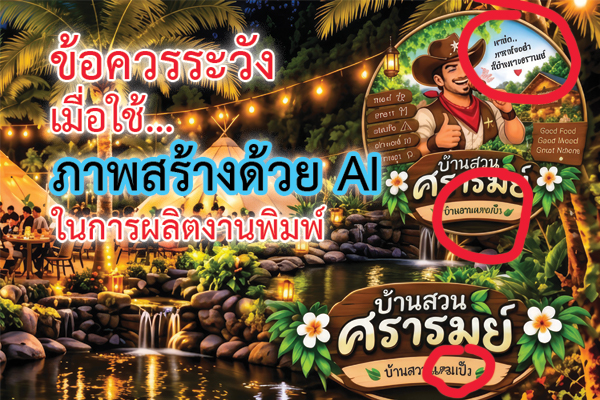
When ordering printing services from Rewat Printing, there are important precautions to take if you use AI to design your own promotional vinyl banners: Do Not Send AI-generated Images Directly To Print! They often have distorted text, insufficient resolution, color shifts, and files that do not match the required size.
Common Issues Rewat Printing Encounters with AI-Generated Work
- Incorrect or distorted text: AI often creates text that looks realistic but is misspelled, distorted, or merges words incorrectly—especially in Thai. Important text should be re-typed using professional design software.
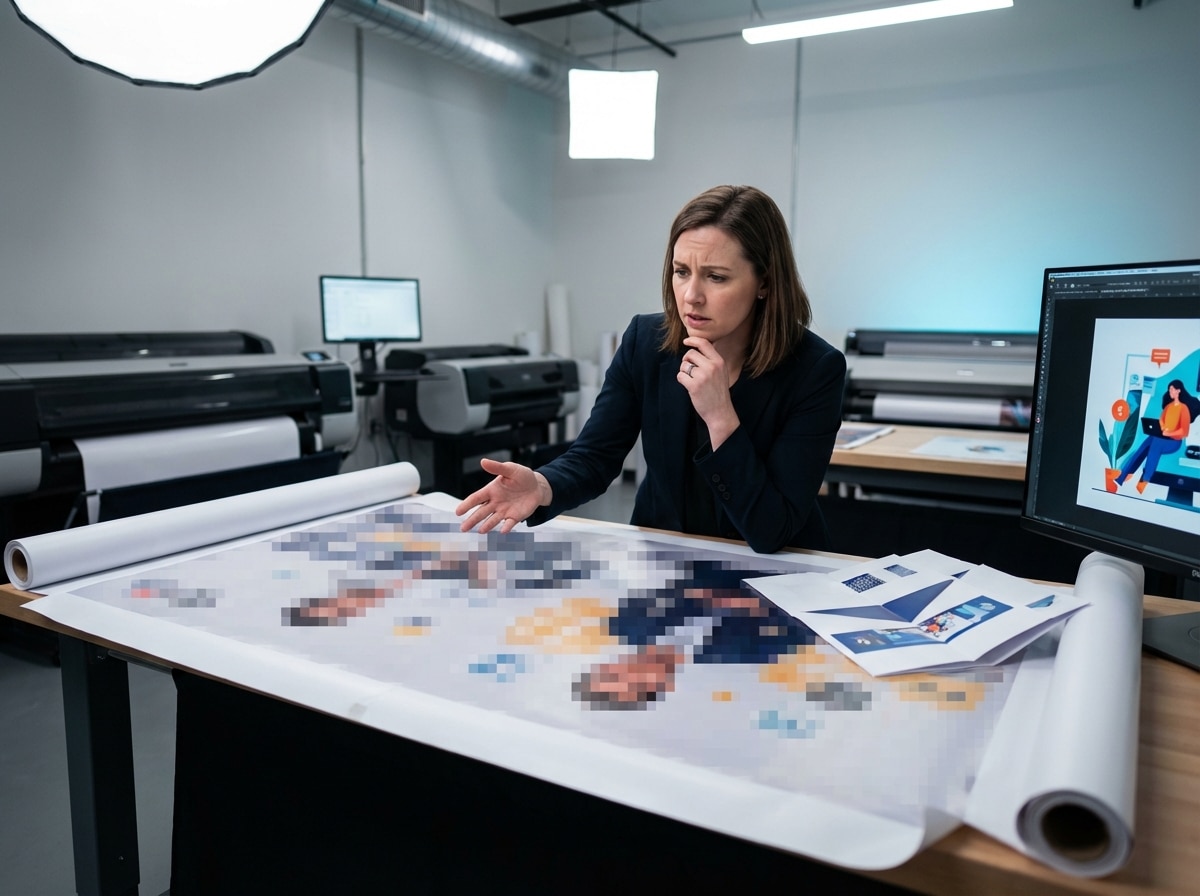
- Blurry images when enlarged: AI images are often limited in file size. When enlarged to a 2 x 3 m or 2.4 x 3.6 m banner, they may become pixelated or blurry. Check the resolution at the actual print size.
- Colors do not match the screen: Images that look vibrant on screen are usually in RGB, while printing uses CMYK. Neon or highly saturated colors may appear duller or shifted in print.
- No bleed allowance: AI creates images based on the requested proportions, but it does not know the actual banner size or bleed requirements. This can result in white edges after trimming.
- Copyright and incorrect logos: AI images may resemble other people’s work or cannot replace official logos. Use original logo files and verify commercial usage rights.
- Inaccurate details: Check both major and minor elements, as AI may generate details that are inaccurate or unrealistic.
Pre-Submission Checklist for Rewat Printing
|
Item |
Recommended Standard |
|
File size |
Set to the actual banner size, e.g., 2 x 3 m |
|
Bleed allowance |
Allow approximately 3–5 mm around the artwork |
|
Safe zone |
Keep text/logos at least 10–20 mm away from the edge |
|
Resolution |
Approximately 150–300 DPI at the actual print size |
|
Color mode |
CMYK |
|
Text |
Embed fonts or convert text to outlines; keep the editable source file |
|
Submission file |
PDF in a format accepted by the print shop |
|
QR code / phone number / website |
Scan and test-call before approving for printing |
Following these guidelines helps reduce issues such as white edges, color shifts, and text being cut off during production.
Rewat Printing’s Recommendations for Safe AI Use
- Use AI only for illustrations, backgrounds, or layout ideas—not for AI-generated text.
- Import the image into Canva, Illustrator, or Photoshop, then manually add text, logos, dates and times, and contact information.
- Request file specifications from the print shop beforehand, including actual size, bleed, safe zone, CMYK/RGB, DPI, and accepted file formats.
- For large-volume production, ask the shop to provide a proof or color sample first—especially if brand colors or important logos are involved.
- Review the artwork from 2–3 meters away to ensure the text is legible and key information stands out clearly.
Summary
You should use AI-generated images only as visual elements. Text and logos should be re-added on the original design file. Submit files in CMYK at the actual size, with bleed and safe zones as specified by the shop. This approach helps you achieve an attractive AI-designed banner while allowing Rewat Printing to produce it accurately and make it truly usable.
